Televisions
A quieter
television.
38 named apps for Android TV and Google TV. Switched off, never removed.
Android TV and Google TV sets get a list of their own: 38 apps by name, from the service that fills the home screen with rows to the shop-demo loop left on a retail set. Each is switched off, never removed, and can be switched back on.
The 38, in three kinds
- 26 Safe
Nothing you can see disappears.
- 7 Caution
You will notice. Nothing breaks.
- 5 Held back
Only with a replacement in place.
Free My Android TV · being built
Make the television
your own.
Free My Android TV is Free My Android as an app on the television itself: one more app in the row, beside whatever home screen the set has. It holds five small apps, three looks to choose from, and a page that shows which apps on the list are switched off on that set.
- An app, not a home screenIt sits in the apps row. The set's own home screen stays as it is.
- Five small appsA clock, a timer, a scoreboard, a calendar and a world clock, each worked with the remote.
- This TVWhich of the 38 on the list are on the set, and which are switched off. It only reads.
- No internetIt asks for none. Nothing it shows leaves the television.
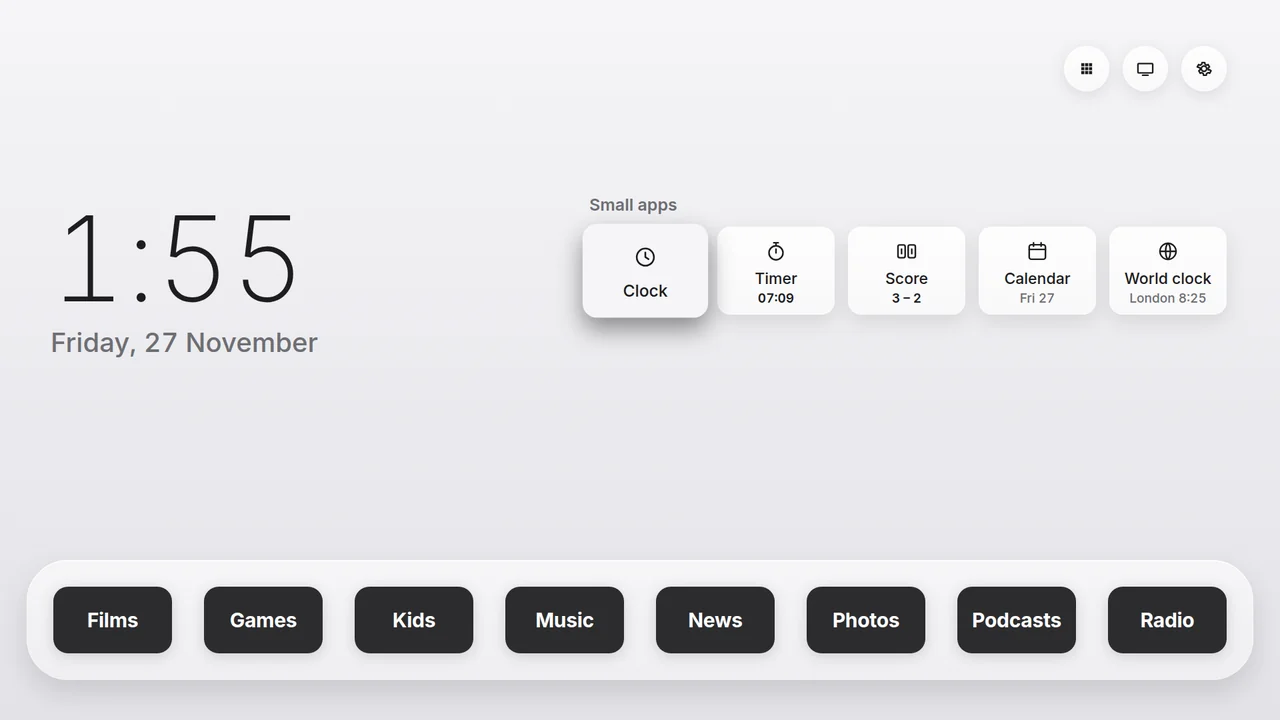
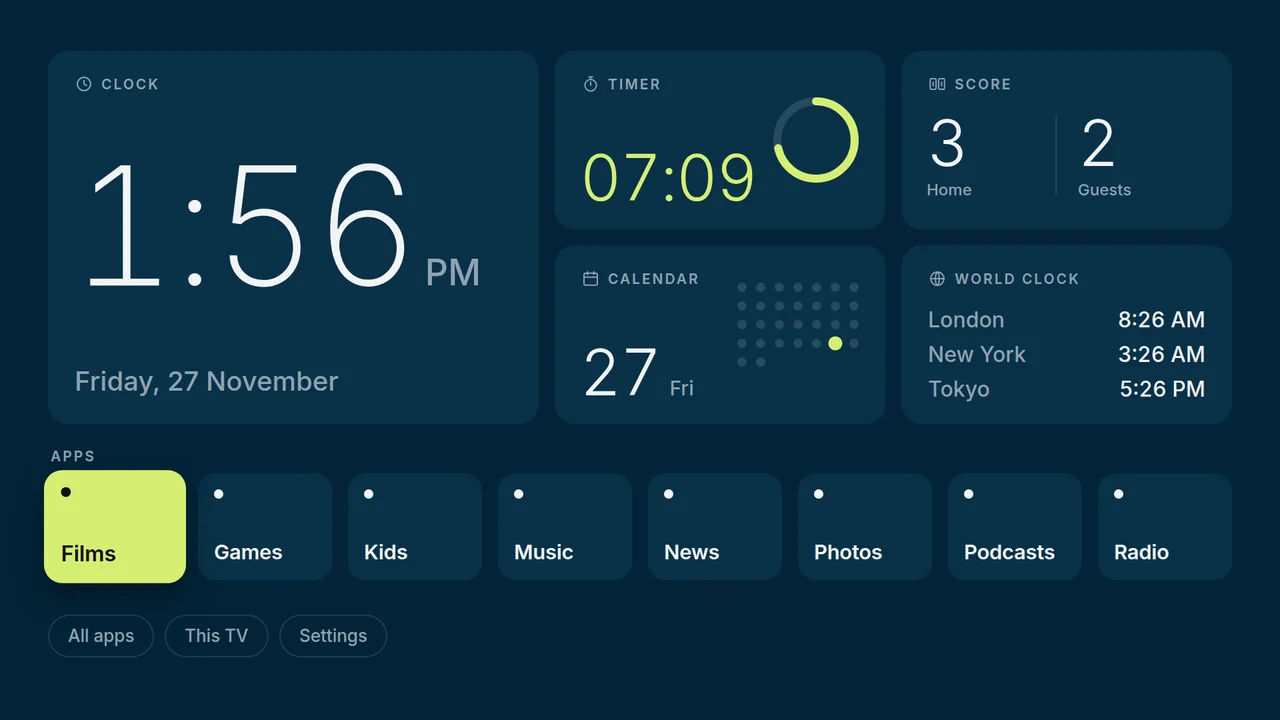
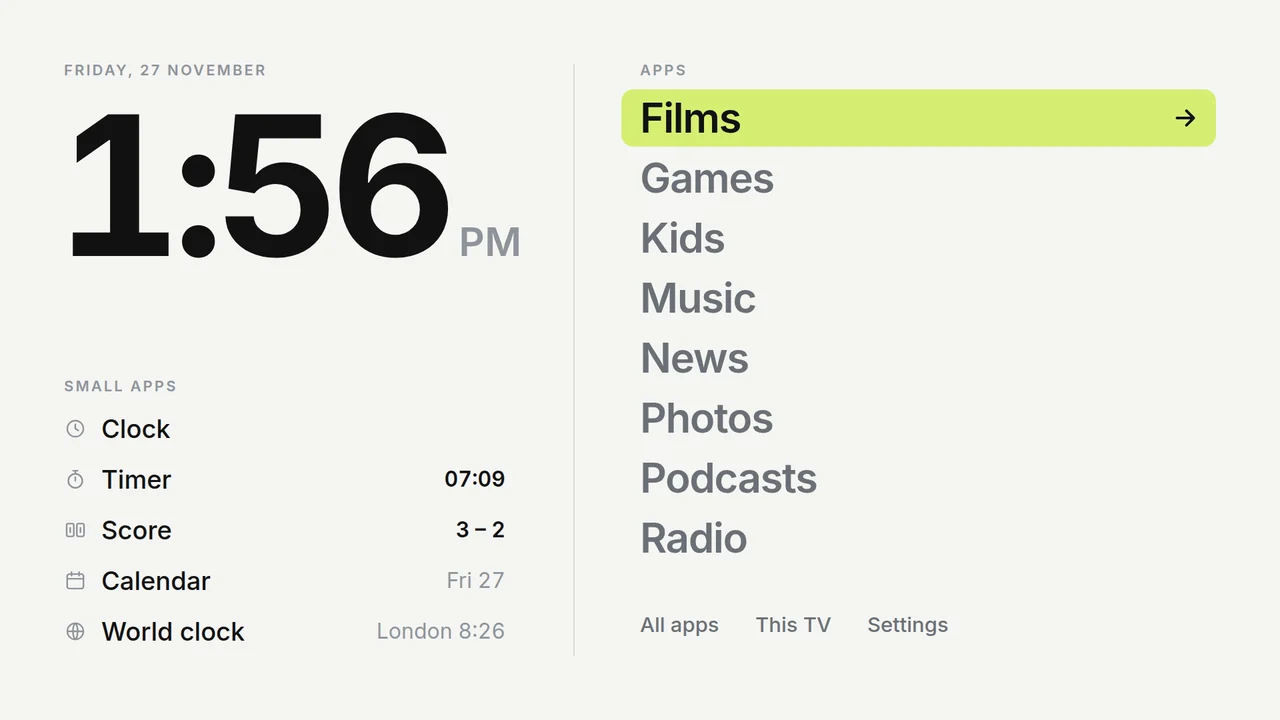
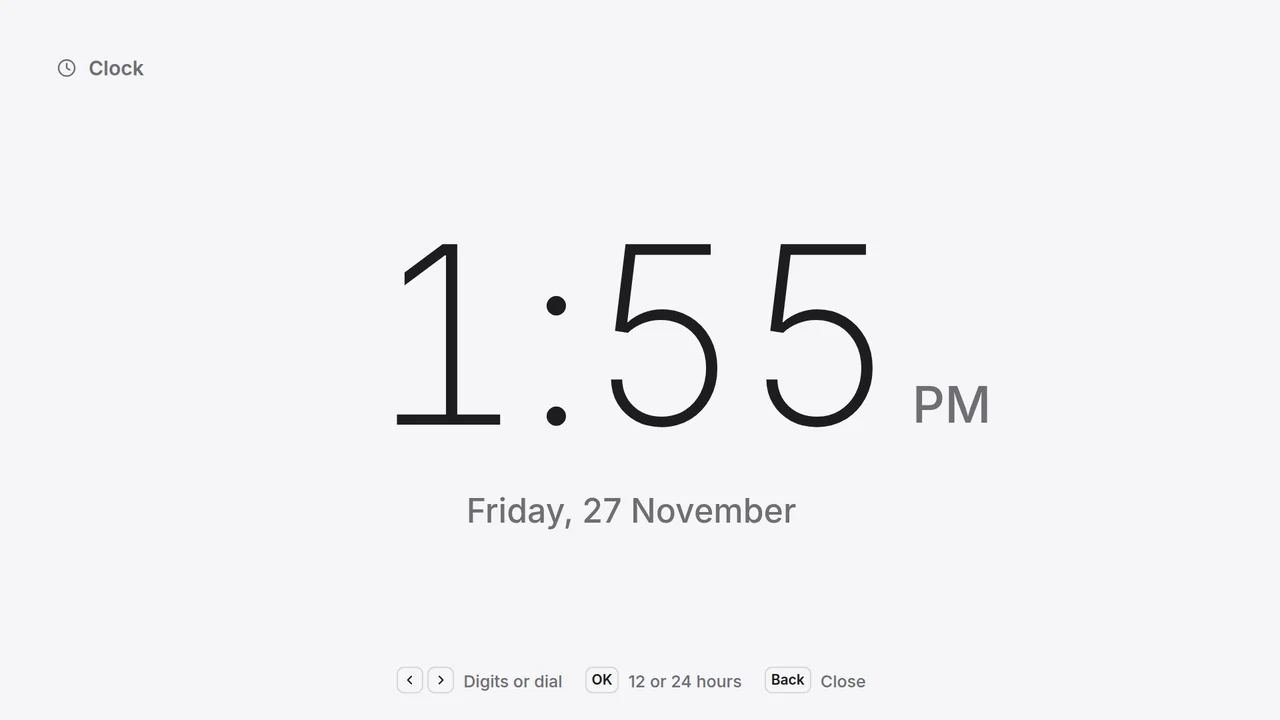
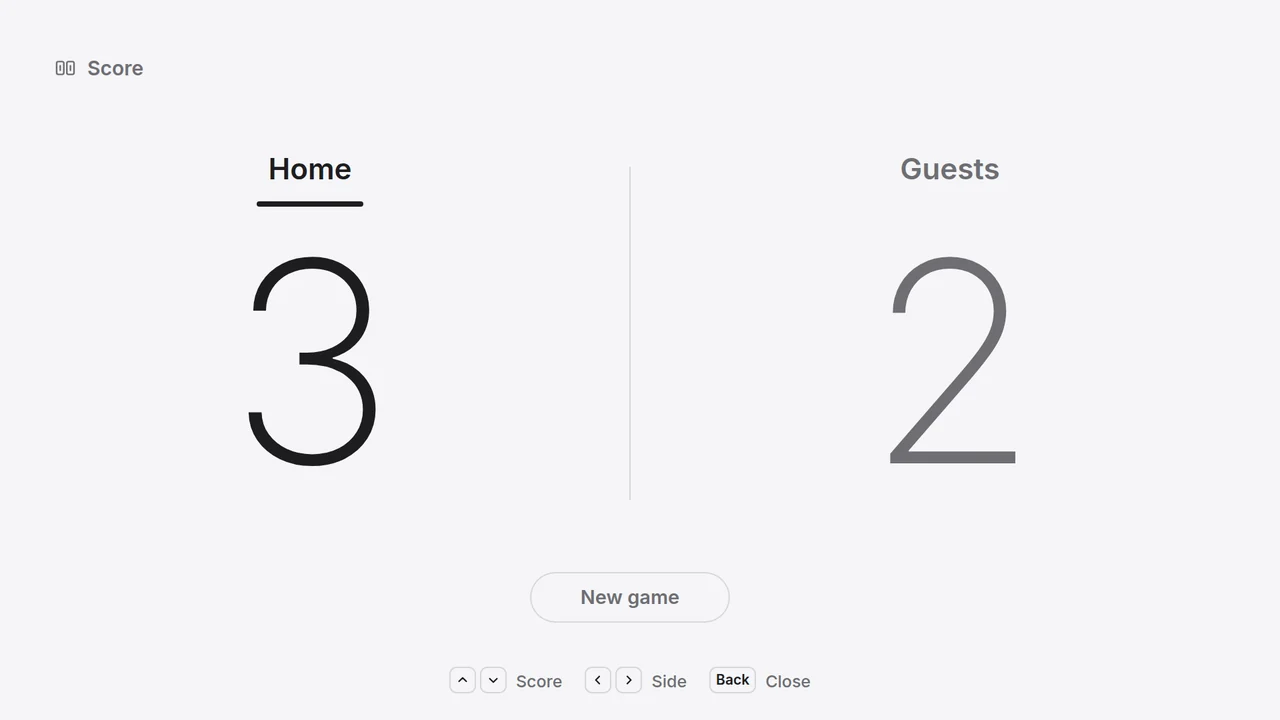
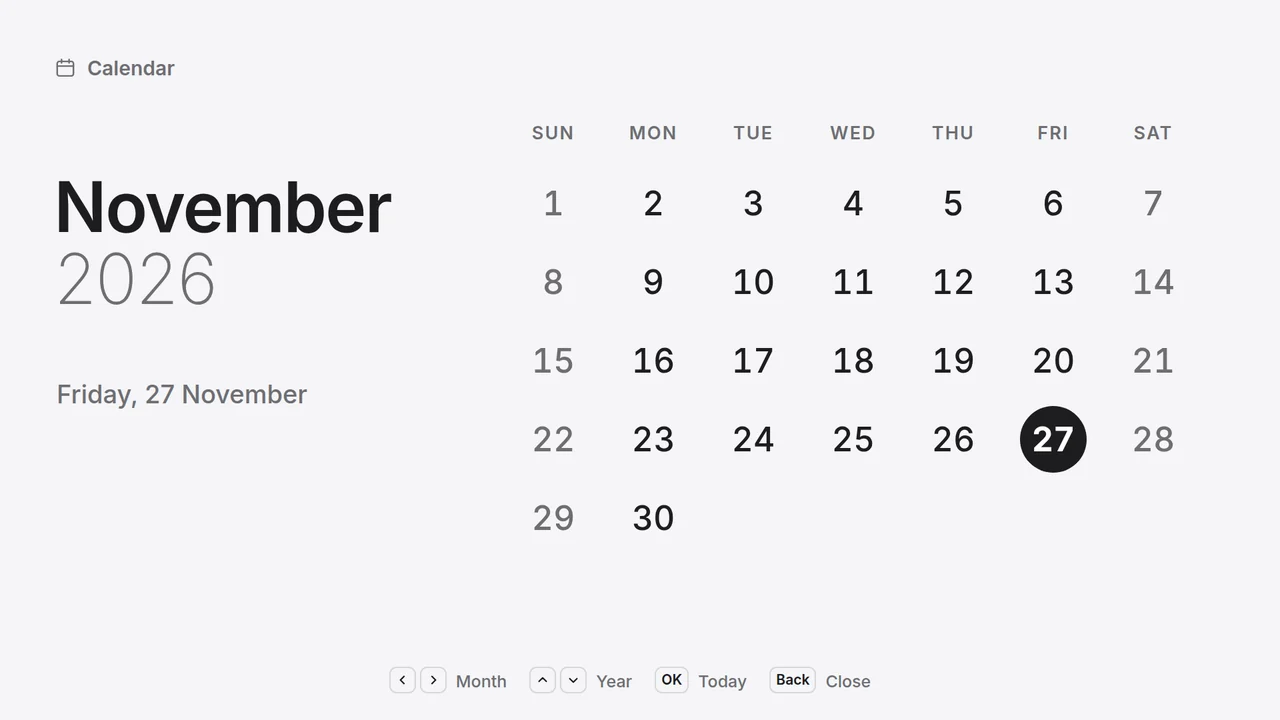
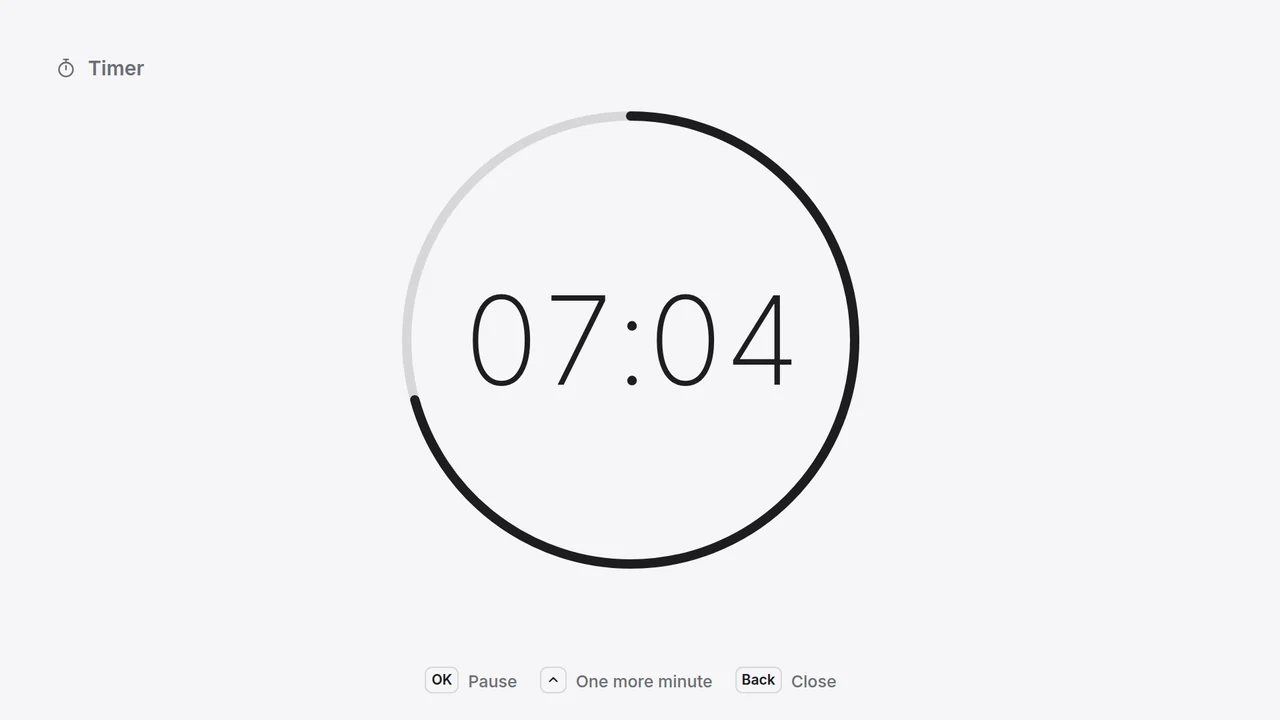
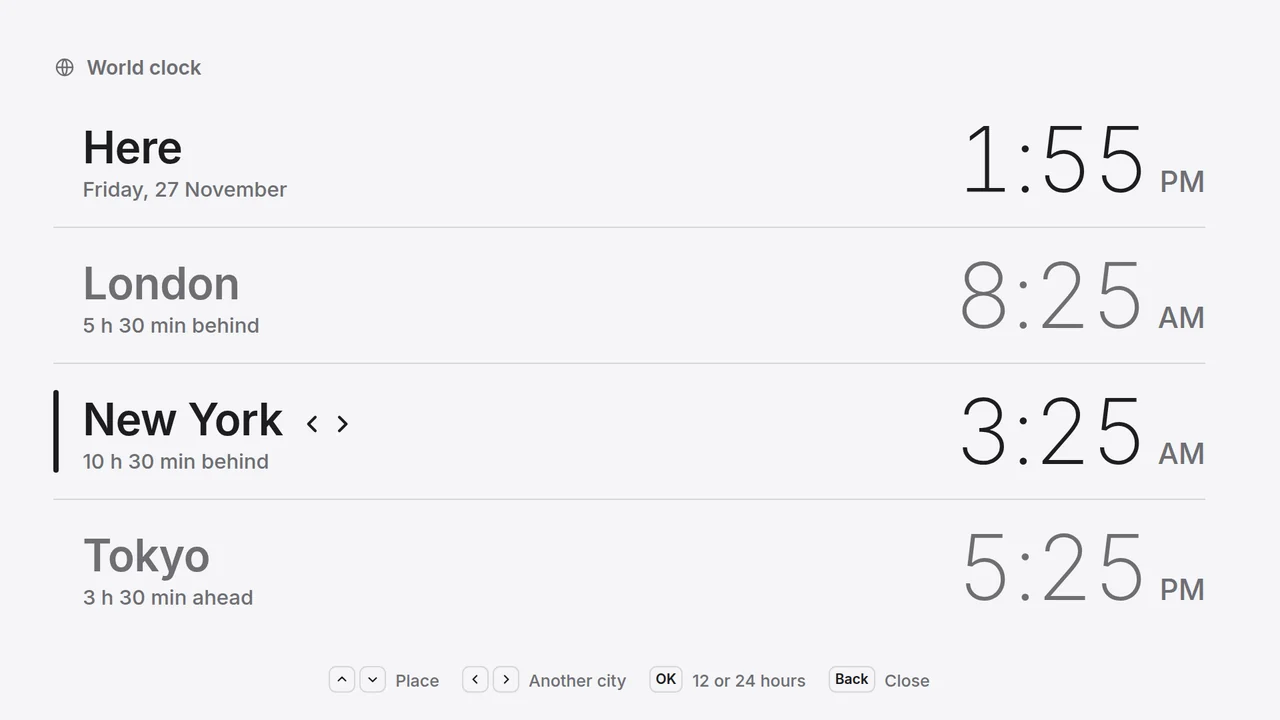
Pictures of the app, taken in a browser, with sample app names. On a television the row holds that set's own apps. So far it has been tried on one television, a Xiaomi Mi TV, where all of it worked with the remote. It is still being built.
On the screen
Fewer rows you
did not ask for.
A phone's clutter hides in a drawer. A television's is the first thing on the screen, so that is where the list starts.
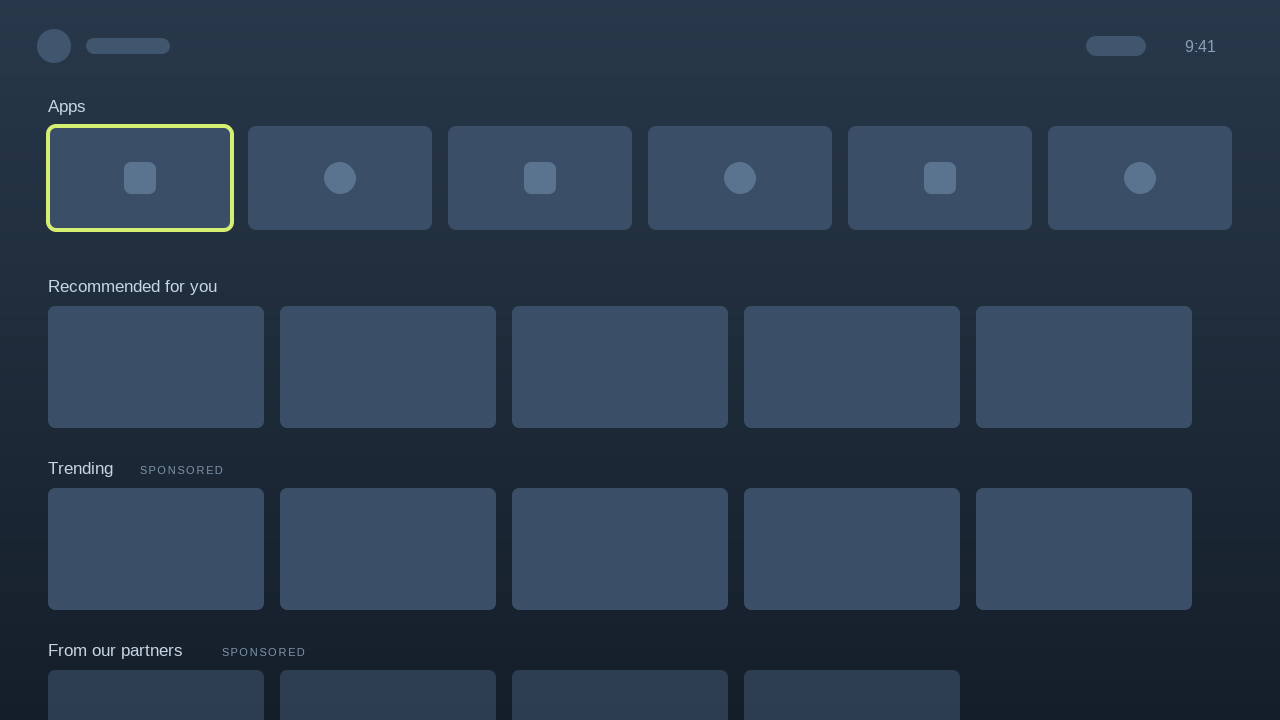
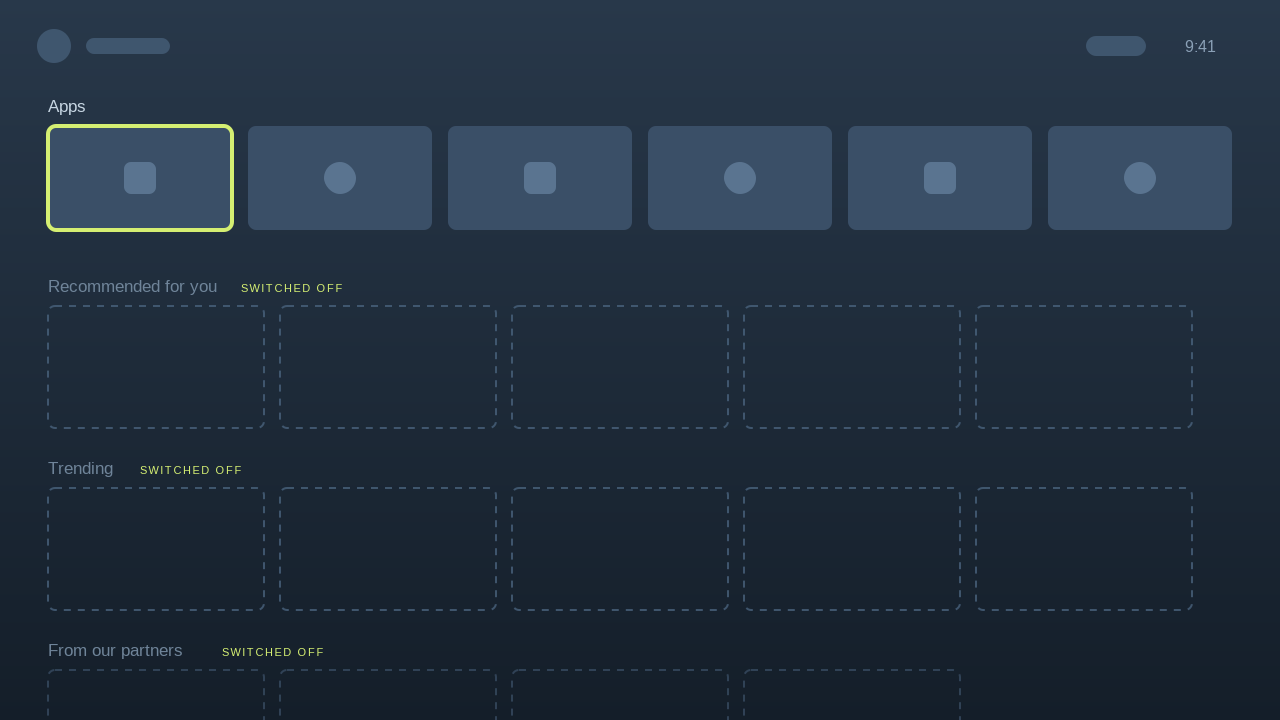
These are drawings, not captures. What a set shows afterwards depends on who made it.
TV Recommendations
Rows it fills by itself
The service that fills the home screen with rows you did not ask for, including sponsored ones.
safe
Backdrop / Ambient screensaver
A screensaver that keeps downloading
Downloads artwork continuously whenever the TV idles, and on some sets shows promoted content. Your own screensaver still works.
safe
Google Search and Assistant for TV
The microphone button
Voice search from the remote stops working. On some sets the microphone button then does nothing at all rather than falling back.
caution
Held back
The remote and the
home screen stay.
5 of the 38 can leave a television you cannot use, so they stay on unless a replacement is already in place. The tool says so before you begin:
Many sets refuse to let a third-party launcher take Home, and on some of them a disabled remote-control service can only be undone over ADB.
- Android TV Home (leanback) The home screen on older Android TV sets. Same warning: replacement first.
- Google TV Home The home screen on newer Google TV sets. Install and set a replacement leanback launcher first, or the TV boots to nothing.
- OnePlus TV Remote service The remote stops responding. You would need ADB to undo it, which is a bad afternoon.
- PatchWall Xiaomi's ad-heavy alternative home screen. It is also a launcher, so replace it before disabling it.
- TV Provider (channel database) Holds the channel and programme database. Live TV and every recommendation row break without it.
The list
All 38, by name.
The set maker's own covers OnePlus, Skyworth, TCL, Xiaomi, Sony, Philips and Hisense. A television gets this list and none of the phone ones.
Google's services 16
| Package | What it is | Risk | Why |
|---|---|---|---|
com.google.android.leanbacklauncher | Android TV Home (leanback) | risky | The home screen on older Android TV sets. Same warning: replacement first. |
com.google.android.backdrop | Backdrop / Ambient screensaver | safe | Downloads artwork continuously whenever the TV idles, and on some sets shows promoted content. Your own screensaver still works. |
com.google.android.apps.mediashell | Chromecast built-in | caution | Casting to this TV from a phone stops working. Keep it if anyone in the house casts. |
com.android.tv.frameworkpackagestubs | Framework package stubs | caution | Catches intents a TV has no app for, such as opening a file. Disabling it turns a harmless 'no app found' into a crash in some apps. |
com.google.android.feedback | Google Feedback | safe | |
com.google.android.gms.location.history | Google Location History | safe | |
com.google.android.partnersetup | Google Partner Setup | safe | |
com.google.android.katniss | Google Search and Assistant for TV | caution | Voice search from the remote stops working. On some sets the microphone button then does nothing at all rather than falling back. |
com.google.android.videos | Google TV / Play Movies | safe | |
com.google.android.tvlauncher | Google TV Home | risky | The home screen on newer Google TV sets. Install and set a replacement leanback launcher first, or the TV boots to nothing. |
com.google.android.play.games | Play Games | safe | |
com.google.android.music | Play Music (legacy) | safe | |
com.google.android.tts | Text-to-Speech | caution | Spoken feedback and accessibility narration stop. Leave it on any TV someone uses by ear. |
com.android.providers.tv | TV Provider (channel database) | risky | Holds the channel and programme database. Live TV and every recommendation row break without it. |
com.google.android.tvrecommendations | TV Recommendations | safe | The service that fills the home screen with rows you did not ask for, including sponsored ones. The single biggest improvement on most sets. |
com.google.android.tungsten.setupwraith | TV Setup Wizard | safe | Only runs during first-time setup and after a factory reset. |
Apps that came on it 7
| Package | What it is | Risk | Why |
|---|---|---|---|
in.startv.hotstar | Disney+ Hotstar (TV preload) | safe | |
com.netflix.ninja | Netflix (TV preload) | safe | The TV build of Netflix. Often cannot be reinstalled from the Play Store on the same set, so re-enable rather than uninstall. |
com.amazon.amazonvideo.livingroom | Prime Video (TV preload) | safe | |
com.spotify.tv.android | Spotify for TV | safe | |
com.google.android.youtube.tv | YouTube for TV | safe | |
com.google.android.youtube.tvkids | YouTube Kids for TV | safe | |
com.google.android.youtube.tvmusic | YouTube Music for TV | safe |
The set maker's own 15
| Package | What it is | Risk | Why |
|---|---|---|---|
com.hisense.datacollect | Hisense Data Collection | safe | |
com.xiaomi.mitv.payment | Mi TV Payment | safe | |
com.xiaomi.mitv.smartshare | Mi TV SmartShare | safe | |
com.oneplus.tv.account | OnePlus TV Account | safe | |
com.oneplus.tv.remote | OnePlus TV Remote service | risky | The remote stops responding. You would need ADB to undo it, which is a bad afternoon. |
com.oneplus.tv.app.setup | OnePlus TV Setup | safe | |
com.oneplus.tv.speaker | OnePlus TV Speaker service | caution | Drives the soundbar on sets that have one. Silence is a strong signal you should not have disabled it. |
com.mitv.tvhome | PatchWall | risky | Xiaomi's ad-heavy alternative home screen. It is also a launcher, so replace it before disabling it. |
com.philips.pdlmanager | Philips PDL Manager | safe | |
com.skyworth.log | Skyworth Log Collector | safe | |
com.skyworth.upgrade | Skyworth Updater | caution | Firmware updates stop arriving. Skyworth builds OnePlus televisions, so this appears on those too. |
com.sony.dtv.discoveryservice | Sony Discovery Service | safe | |
com.sony.dtv.promotionvideoplayer | Sony Promotion Video Player | safe | Shop-demo loop left on retail sets. |
com.tcl.ota | TCL OTA | caution | Firmware updates stop arriving. |
com.tcl.usercenter | TCL User Center | safe |
- 1 Switch on debugging
It is in the television's developer options. Where those sit differs from one set to the next.
- 2 Find it from the computer
The tool can look for the television on your network. If it does not turn up, type its address by hand, for example 192.168.1.42:5555.
- 3 Look before anything changes
The tool reads what is on the set and shows a plan. Nothing is switched off until you have read it and agreed.
Free My Android TV · being built
Put the app
on the set.
Once the television can be reached from a computer, one command installs it. It then sits in the apps row as Free My Android.
adb connect <the TV's address>:5555
adb install -r FreeMyAndroid-TV.apk
Or paste this one line into Claude Code, Codex or a similar agent:
Set up Free My Android for my device: follow github.com/manishb27/freemyandroid/blob/main/AGENTS.md, tell me before each step, and open it in my browser.
New, and short.
The list names 38 apps. It has not been tried across brands and will not suit every set. An app it does not name is left as it is.